Managing disks and partitions on Windows can be a tough job if you rely entirely on Disk Management or DiskPart, the operating system's built-in tools. They often display inexplicable error messages and are notoriously difficult for casual users to comprehend. Fortunately, there is a much better alternative.
A capable free partition manager
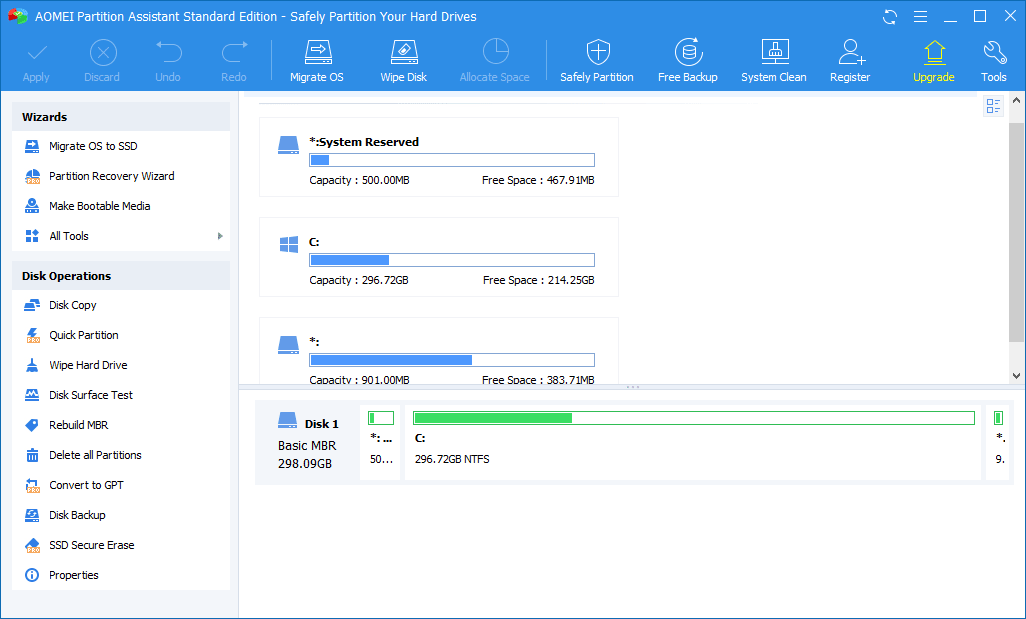
AOMEI Partition Assistant (Standard Edition) is a free disk management tool that handles all the standard features, including creating, resizing, merging, and cloning data disks. However, as you dig into the menus, you will find out that there is much more to it than just the basics.
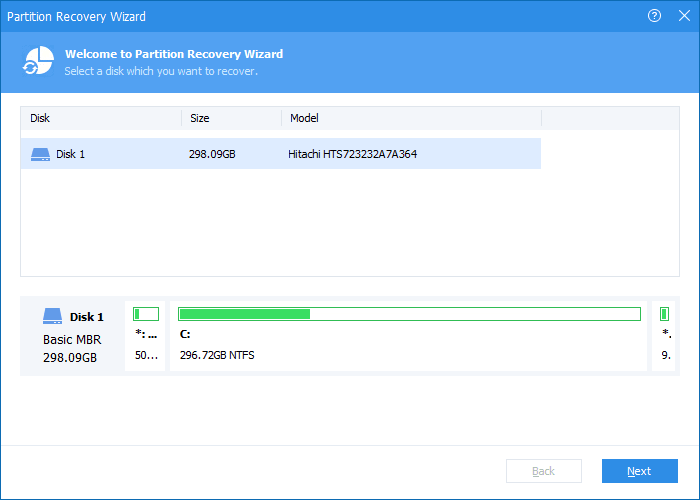
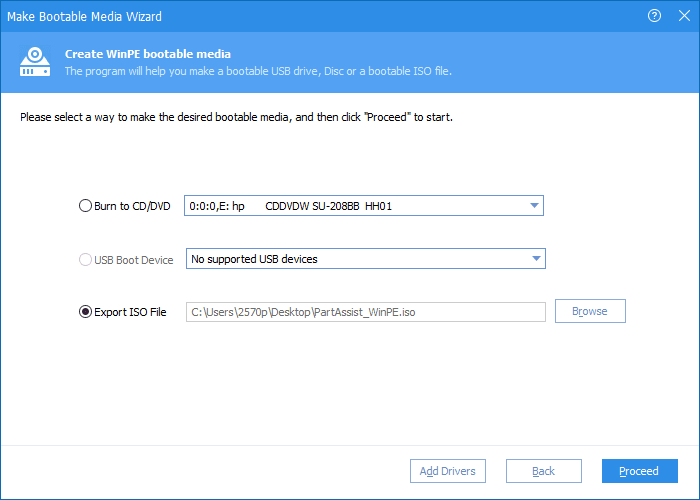
The Standard Edition includes a Wipe Hard Drive option for the safe deletion of your drive, ensuring data cannot be recovered. If you decide to upgrade to the Professional version, you also unlock easily understandable wizards for migrating your OS to an SSD, bootable media creation, and converting your system disk to GPT.Cloning and disk maintenance
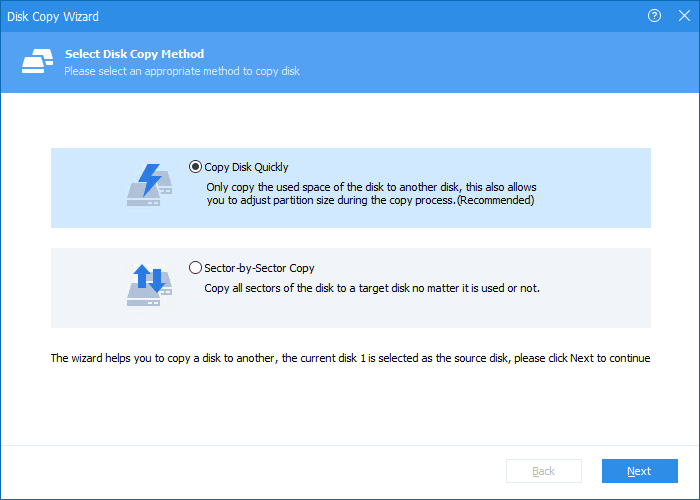
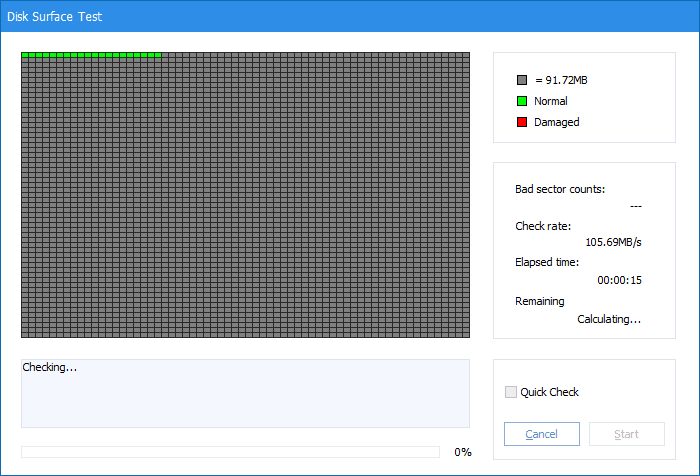
Cloning your entire disk has never been easier with the Disk Clone option, and you can test your drive for bad sectors using the Disk Surface Test. Data partitions can be created, deleted, merged, and resized on the fly, often without even having to restart your computer.
New partitions can be set to use any major file system, including exFAT, FAT32, and NTFS, or you can leave them completely unformatted. You can use the Disk Copy tool to easily transfer all contents from one drive to another, with the option to move the entire drive sector by sector, including free space, or just quickly copy the existing data.Standard vs. Professional
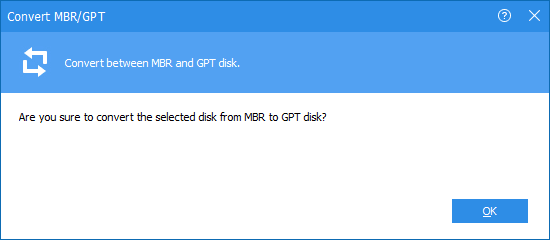
While converting a data disk from MBR to GPT is included for free, doing so for a system drive during OS installations requires the PRO version. That paid tier offers quite a few advanced features, but for most casual users, the Standard Edition will provide more than enough functionality to cover basic disk management needs.